Reconcile Household Spending Without Another Spreadsheet
A practical routine for comparing bank transactions with household bills and expenses, finding gaps, and keeping a shared record without a spreadsheet.
How to Reconcile Household Spending Without a Spreadsheet
Your budget says one thing. Your bank balance says another. Somewhere between the direct debit, the supermarket trip and the transfer to your partner, the household record has drifted away from what actually happened.
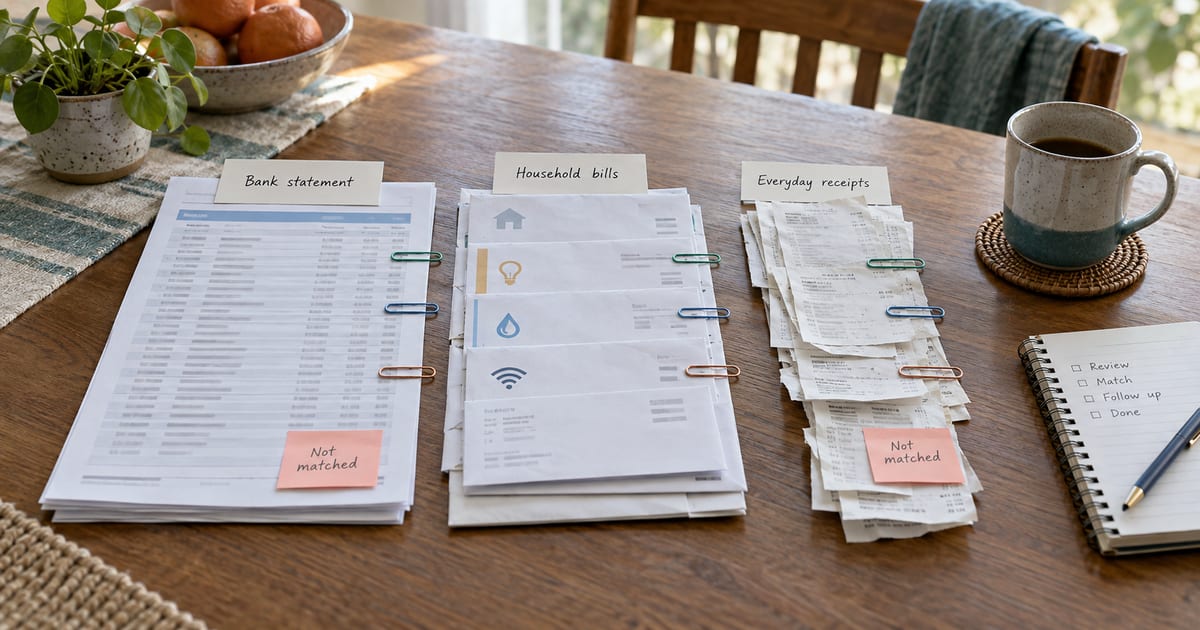
That is what reconciliation fixes. In plain English, it means comparing the transactions in your bank or card account with the bills, expenses and transfers you have recorded, then resolving anything that is missing, duplicated or incorrectly classified.
You do not need to build a complicated spreadsheet to do it. You need a reliable source, a short review routine and clear agreement about what counts as personal or shared spending.
Why reconcile household spending?
A budget is most useful when it reflects real life. MoneyHelper recommends using bank statements or your banking app to make budget figures realistic, because this gives you a clearer picture of where your money is going (MoneyHelper budget planner).
A statement and budget can still show different accurate totals. Why Your Budget and Bank Statement Show Different Spending explains how timing, shared allocations, reimbursements and transfers create those gaps.
Regular reconciliation helps you answer practical questions:
- Was the energy bill paid, and was the amount different from the estimate?
- Did a shared purchase end up recorded as a personal expense?
- Has the same transaction been entered twice?
- Is an unfamiliar payment genuinely unexpected, or simply described differently by the bank?
- Does a transfer represent a household settlement rather than spending?
It can also make discussions more concrete. Instead of relying on memory, both people can work from the same list of actual transactions.
Start with a small, repeatable routine
As a starting point, try a monthly reconciliation. If you have lots of shared spending, test a weekly check instead. The best schedule is the one you will keep.
Work through one account at a time. Avoid trying to correct several months in one sitting. Start with the most recent complete statement period, establish the routine, then work backwards only if you need to.
Step 1: Decide what belongs in the household view
Before reviewing transactions, agree on the boundary between personal and shared spending.
Shared items commonly include rent or mortgage payments, utilities, groceries, childcare and household subscriptions. Personal items might include individual hobbies, gifts or purchases that you have agreed not to split.
There is no universally correct boundary. The important part is consistency. MoneyHelper similarly advises deciding whether a budget covers you, your partner or the whole family before entering figures (MoneyHelper budget planner).
If you use both a joint account and personal cards for household purchases, include both sources in the review. Otherwise, the person who paid from a personal account can disappear from the shared record.
Step 2: Use the statement as your source of truth
Download the transaction export for the period you are reviewing. A bank statement is the official history of money moving into and out of an account, which makes it a better starting point than memory or a pile of receipts (MoneyHelper on bank statements).
Keep the original export unchanged. If you need to inspect it, work from a copy. This gives you a clean source to return to if a row is altered accidentally.
For each account, check:
- The opening and closing dates cover the period you expect.
- The account and currency are correct.
- Pending transactions are not mixed with completed ones.
- Refunds, credits and transfers are included, not only purchases.
Step 3: Import before you classify
Manual retyping creates opportunities for missing rows, swapped digits and inconsistent descriptions. Importing a supported transaction file preserves the statement data and lets you spend your time reviewing exceptions instead.
In Billum, you can create a personal or shared bank-account or credit-card record, then upload one or more supported Amex or SEB CSV exports. Billum previews and validates each file before you confirm the import. The preview shows useful checks such as the detected format, row count, date range, debits, credits, new transactions, duplicates and row errors.
This is a file import, not a live connection to your bank. You choose when to export and upload the data, and nothing is saved until you confirm the import.
Step 4: Review the exceptions, not every row equally
Once transactions are present, start with the unmatched or unclassified items. These are where the useful decisions usually are.
Look for three common cases:
A known bill or expense
Compare the amount, merchant and date with the bill or expense already recorded. Small date differences are normal: a card purchase date and its posted date may not be identical.
Billum can suggest existing bills, expenses and settlements that may correspond to a transaction. Suggestions include reasons such as an exact or similar amount, a merchant match or a nearby date. You review the candidate and confirm the link; Billum does not silently link an individual suggestion.
A real transaction with no record
If the payment belongs in the household record but no matching item exists, create the appropriate bill, expense or settlement. Classify it consistently so later filtering and monthly reviews remain useful.
A transaction that should stay personal
Do not force every payment into the shared household total. Keep personal transactions in a personal account view, especially when the other household member should not see or manage them.
Step 5: Treat transfers differently from spending
Moving money between accounts is not the same as buying something. If one person transfers money into a shared account, recording both the transfer and the later purchase as expenses would overstate household spending.
Decide whether a transfer is:
- money moved between your own accounts;
- a contribution to a shared account;
- a reimbursement from the shared account; or
- a settlement directly between household members.
Linking it to the correct settlement keeps the record useful without turning the transfer itself into another household cost.
Step 6: Investigate duplicates and gaps
Duplicates can enter a manual system when two people record the same purchase or when overlapping statement periods are imported. Gaps happen when someone forgets a cash purchase, a payment is described unexpectedly, or an account is left out of the review.
Billum identifies duplicate rows during a supported CSV import and keeps an import history. If the wrong file is imported, the import can be undone; that removes the transactions added by that import rather than unrelated records.
Before finishing, filter for unmatched transactions and scan the whole period for unusually large amounts, unfamiliar descriptions and credits you expected to receive.
Step 7: Close the review together
End with a short household check-in:
- Are all shared bills and expenses present?
- Are personal purchases still personal?
- Are reimbursements and settlements recorded correctly?
- Are there unmatched transactions that need another person's context?
- Has actual spending changed what you want to plan for next month?
The goal is not perfect categorisation for its own sake. It is a shared record that both people understand and can use to make the next decision.
A simple monthly checklist
Save this list and repeat it for each account:
- Export the completed transactions for the period.
- Confirm the account, currency and date range.
- Import the file and resolve validation errors.
- Review new, duplicate, unmatched and unclassified transactions.
- Link confirmed bills, expenses and settlements.
- Correct personal versus shared classifications.
- Investigate remaining gaps together.
- Use the reconciled totals when planning the next month.
Reconciliation should reduce uncertainty, not become another household admin project. A small routine, based on actual transactions and confirmed by the people involved, is more valuable than an elaborate spreadsheet that is always out of date.
Create your Billum household when you are ready to bring bills, expenses, settlements and imported transactions into one reviewable record.
If you are starting from a statement export, first follow the safe bank-transaction import checklist.
Approved integrations can also support a conversational review; the Billum MCP household-budget guide explains the limits and the checks to keep in place.